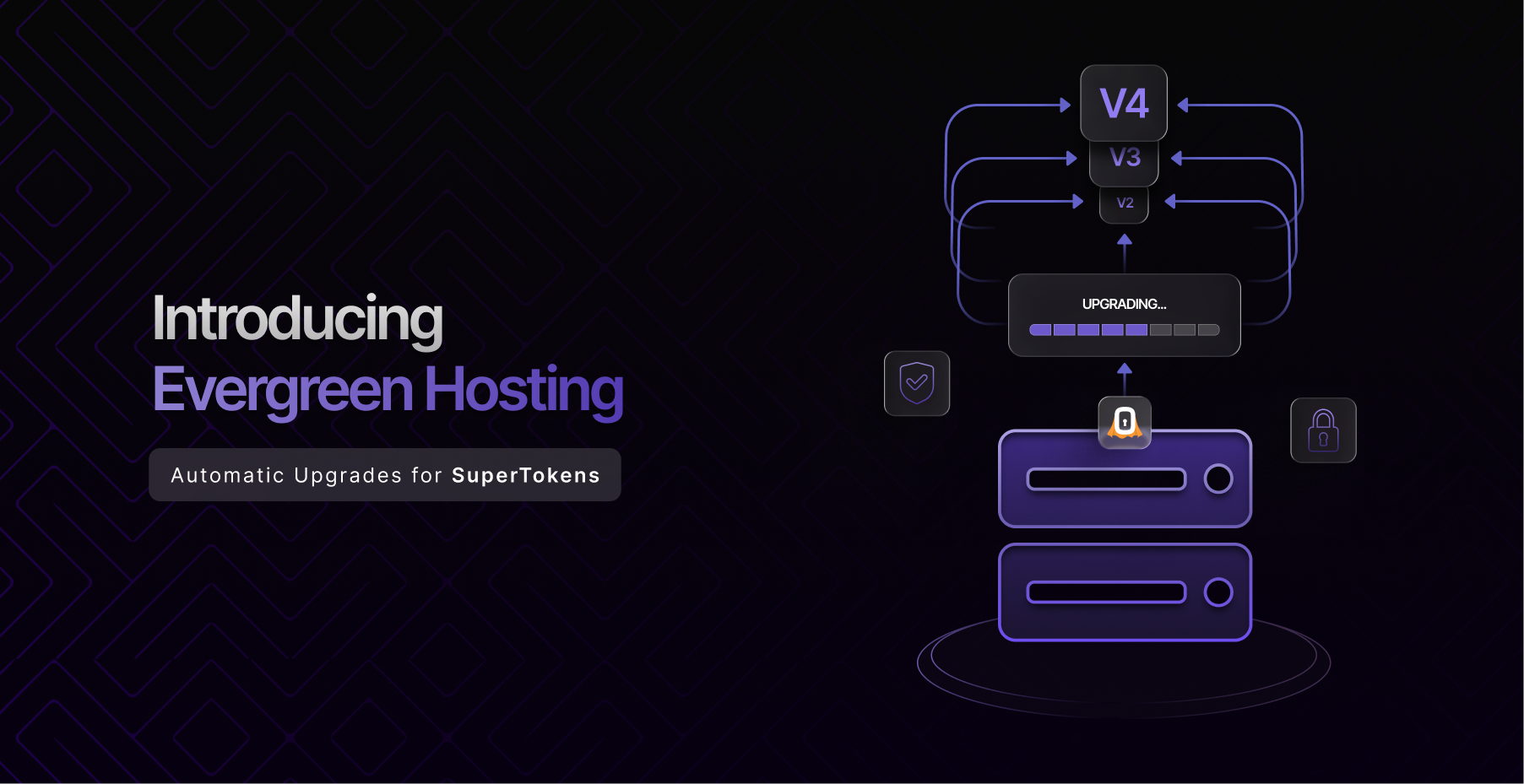

Introducing Evergreen Hosting: Automatic Upgrades for SuperTokens
Today we’re announcing Evergreen Hosting for SuperTokens managed instances.
Starting soon, managed SuperTokens instances will automatically upgrade to the latest stable version as new releases become available. These upgrades are designed to be transparent, gradual, monitored, and reversible — with zero downtime for the vast majority of releases.
This will become the new default behavior for managed hosting.
If your team needs to continue using manual upgrades, you’ll still be able to opt out at any time.
Why We’re Making This Change
Authentication infrastructure sits directly on the critical path of application security.
When security vulnerabilities are discovered, the time between a patch becoming available and that patch being deployed matters more than ever.
Historically, managed SuperTokens instances required customers to manually trigger upgrades. While this gave teams maximum control, it also meant many instances remained on older versions longer than intended — sometimes missing important security and stability improvements.
The urgency around fast patch adoption is increasing rapidly.
Recent developments like Anthropic’s Project Glasswing have demonstrated how AI-powered systems can now discover software vulnerabilities at unprecedented scale and speed. The time between vulnerability discovery and active exploitation is shrinking across the industry.
For security-critical infrastructure like authentication, staying continuously updated is becoming the safer default.
Evergreen Hosting is our response to that shift.
What Evergreen Hosting Does
With Evergreen Hosting enabled, your managed SuperTokens core instance will automatically upgrade to the latest stable version as releases roll out.
You do not need to:
- redeploy your application
- rotate API keys
- change SDK versions
- update endpoints
- modify configuration
Your existing integration remains exactly the same.
The upgrade happens entirely on the infrastructure side.
How Rollouts Work
We designed Evergreen Hosting around safety, progressive delivery, and rapid recovery.
1. Gradual Rollouts
New releases are never deployed to every instance simultaneously.
Rollouts happen in stages:
- Development instances first
- Small production cohorts next
- Progressive rollout across the remaining fleet
This staged approach helps us detect issues early before they affect a broader set of customers.
2. Progressive Traffic Shifting
Even within an individual instance, traffic is migrated gradually to the new version rather than all at once.
This allows us to observe real-world behavior under load while minimizing blast radius if something unexpected occurs.
3. Continuous Monitoring
After every upgrade, instances are automatically monitored for:
- elevated error rates
- latency regressions
- request failures
- behavioral anomalies
Monitoring continues throughout rollout and after completion.
4. Instant Rollback
If an issue is detected, rollback happens automatically within seconds.
Additionally, we maintain a one-week rollback safety window after rollout completion so delayed or low-frequency issues can still be safely reverted.
Downtime Expectations
For the overwhelming majority of releases, upgrades happen with zero downtime.
Your authentication APIs continue serving traffic throughout the rollout process.
In rare cases involving significant data restructuring or major infrastructure transitions, a short maintenance window may be required. These windows are typically under a minute, and customers will receive advance notice beforehand.
What Evergreen Hosting Does Not Change
Evergreen Hosting only changes how your managed instance is updated.
It does not change:
- Your user data
- Authentication flows
- SDK behavior
- API contracts
- Endpoints
- Tenant configuration
- Dashboard settings
Manual upgrades are also not going away.
Teams that require strict change-management processes, internal QA validation, or version pinning can continue operating that way.
Opting Out
We understand that some organizations need tighter control over deployment timing.
You can opt out of Evergreen Hosting at any time.
-
Before Activation
- If you opt out before Evergreen Hosting activates for your instance, automatic upgrades will not begin.
-
After Activation
- You can also disable Evergreen Hosting later and return to manual upgrades whenever needed.
Your instance will remain on its current version until you manually upgrade again or re-enable automatic upgrades.
Version Pinning Support
For customers with compliance requirements, validation pipelines, or release certification processes, version pinning remains fully supported.
You can continue locking your instance to a specific version while performing internal testing before upgrading.
Why We Believe This Is the Right Default
Infrastructure security increasingly depends on reducing operational delay.
As software ecosystems become more interconnected — and as AI accelerates vulnerability discovery — the safest systems are often the ones that stay continuously updated.
Our goal with Evergreen Hosting is simple:
- reduce customer operational overhead
- improve security posture
- shorten patch adoption timelines
- preserve reliability through careful rollout engineering
While still respecting that some teams need manual control.
Timeline
-
Now
- Customers are being notified about Evergreen Hosting and the available opt-out path.
-
Activation Phase
- Managed instances that have not opted out will begin receiving automatic upgrades as part of future stable rollouts.
-
Ongoing
- Customers can opt out, opt back in, or pin versions at any time.
Questions?
If you have questions about rollout mechanics, rollback guarantees, version pinning, compliance workflows, or whether Evergreen Hosting is the right fit for your environment, reach out to the SuperTokens team.
We’re happy to walk through your setup and help determine the best upgrade strategy for your organization.